
Welcome to FGRSoft Access Compta
2.8.6
,
free accounting software for families and associations

Easily manage your family's or association's accounts with FGRSoft Access Compta. Free, powerful,
secure and built with Microsoft Access, it offers everything you need to track your finances day to day.
Everything has been designed so that managing your bank accounts is no longer a chore!
This page is a short English summary of the software; the full French site remains the reference version.
Key features of FGRSoft Access Compta

Multi-account management, transfers between accounts and payees

Document library (invoices, notarial deeds, contracts, civil status...)

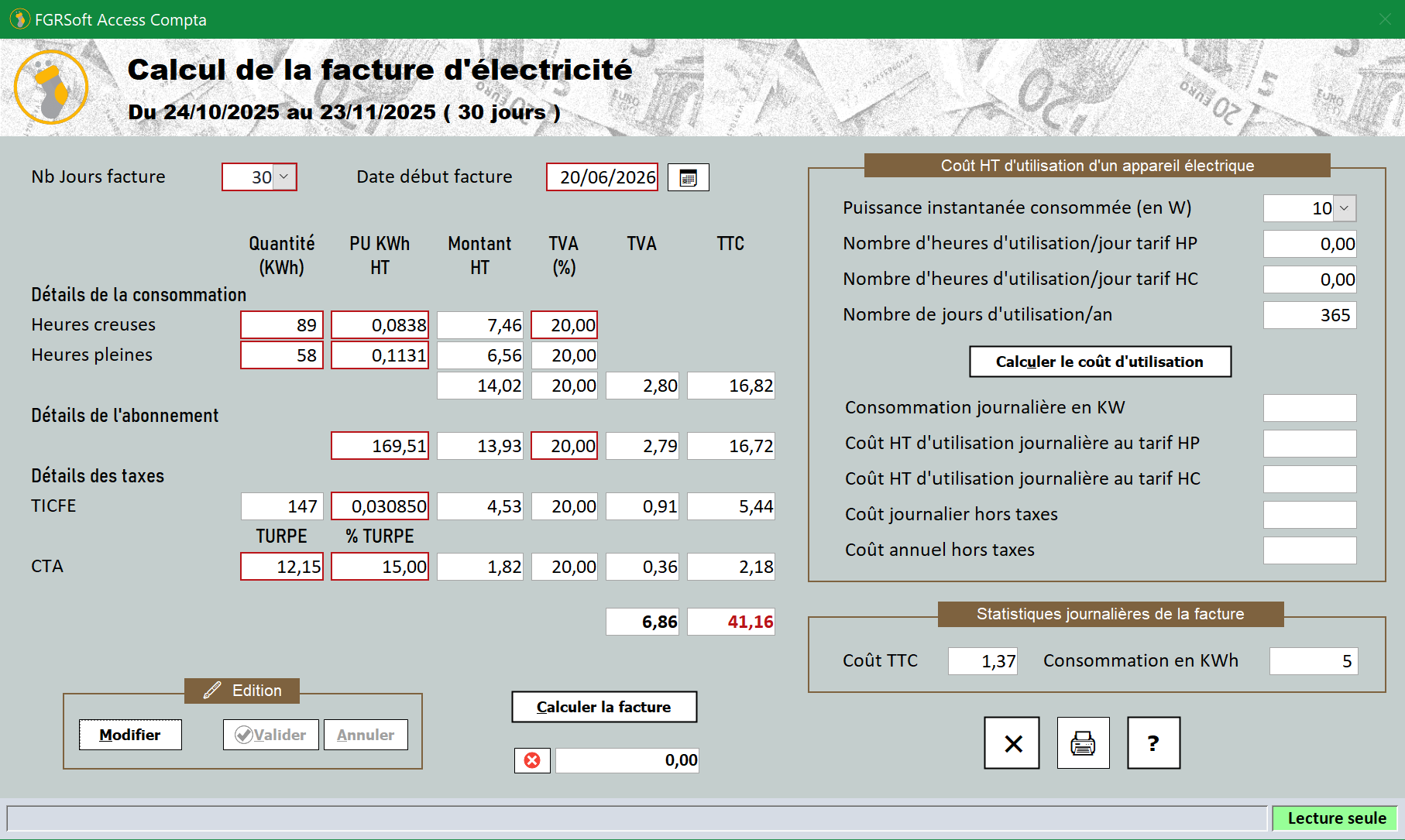
Extra tools: electricity bill calculator, VAT calculator, loan simulator...

Password protected, with logging and automated backups

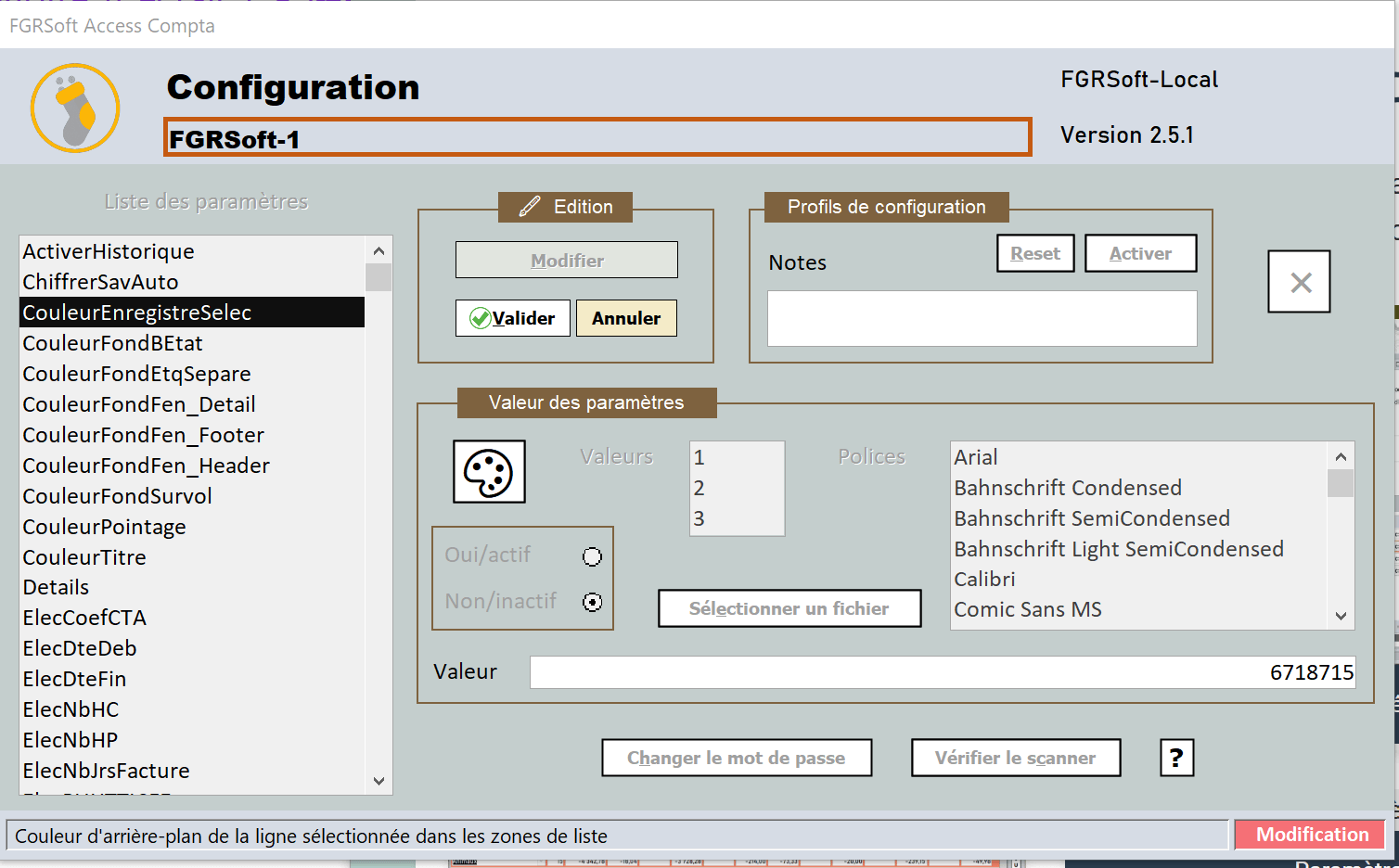
Fully customisable user interface

Advanced multi-account search

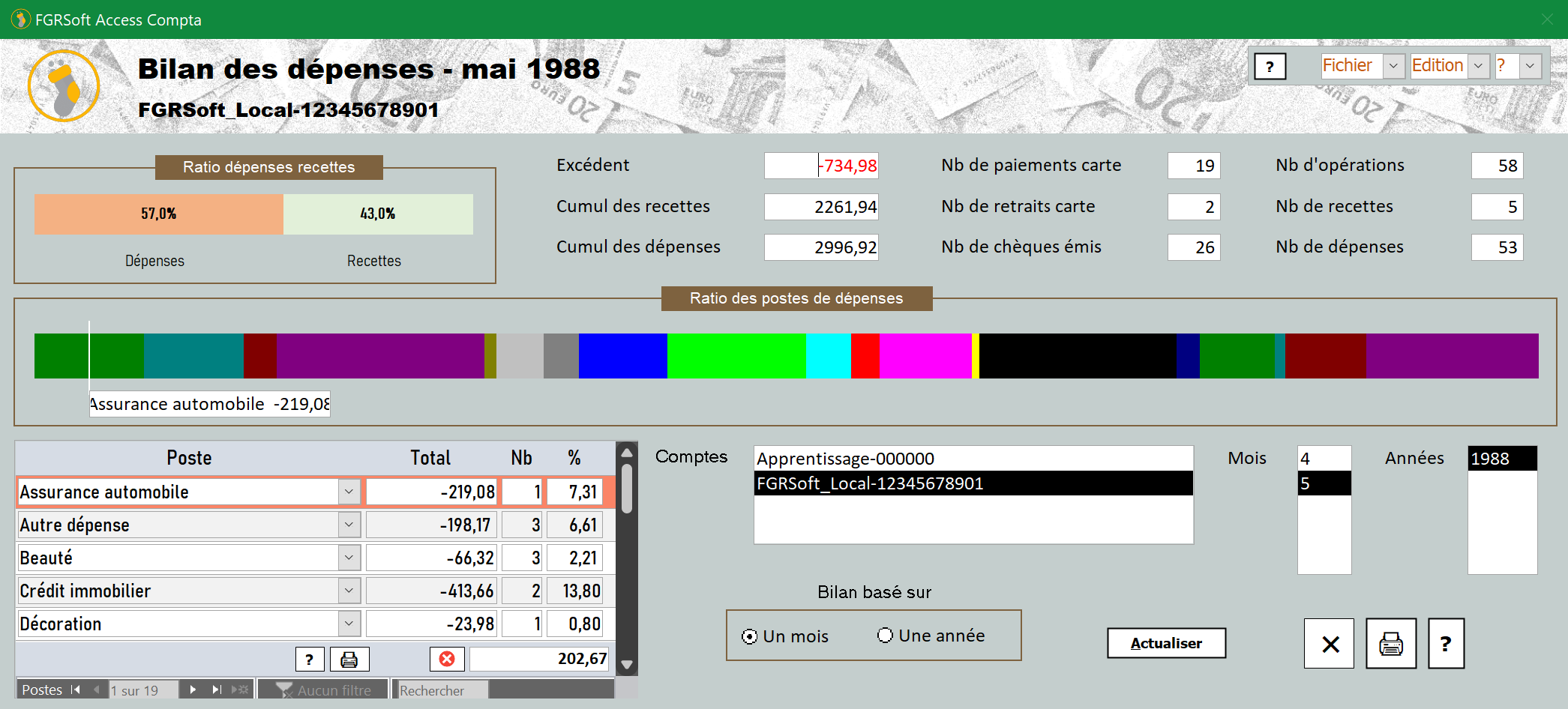
Printing of balance sheets and reports

Export to Microsoft Excel

Accounting document management

Graphical and text balance sheets, forecasting

Built-in update system

Software translated into English and Spanish

Scheduled automatic entries

Automated installation

Built-in help and a fictitious learning account

Management of expense and income categories

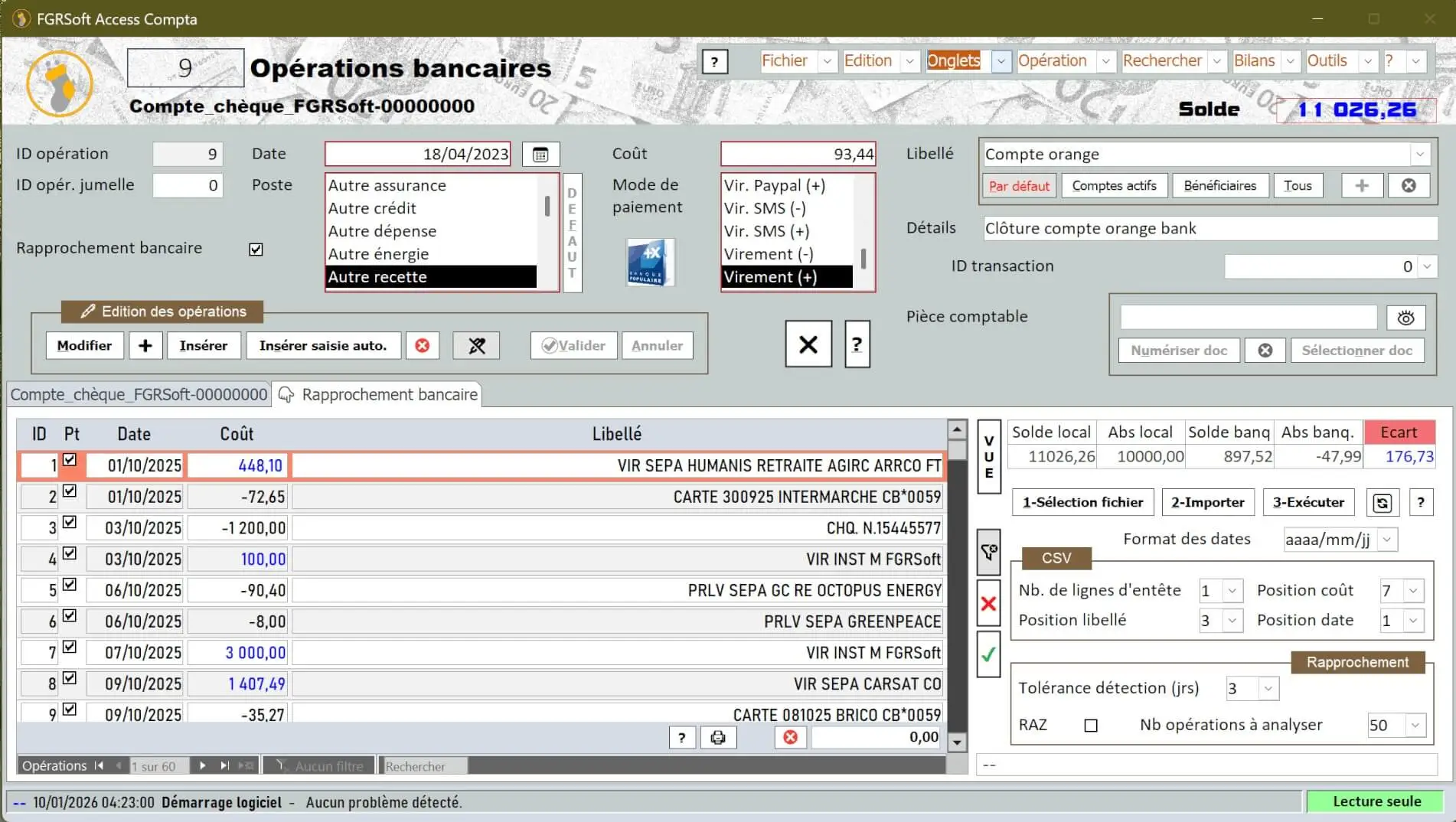
Bank transaction management
Screenshots of FGRSoft Access Compta
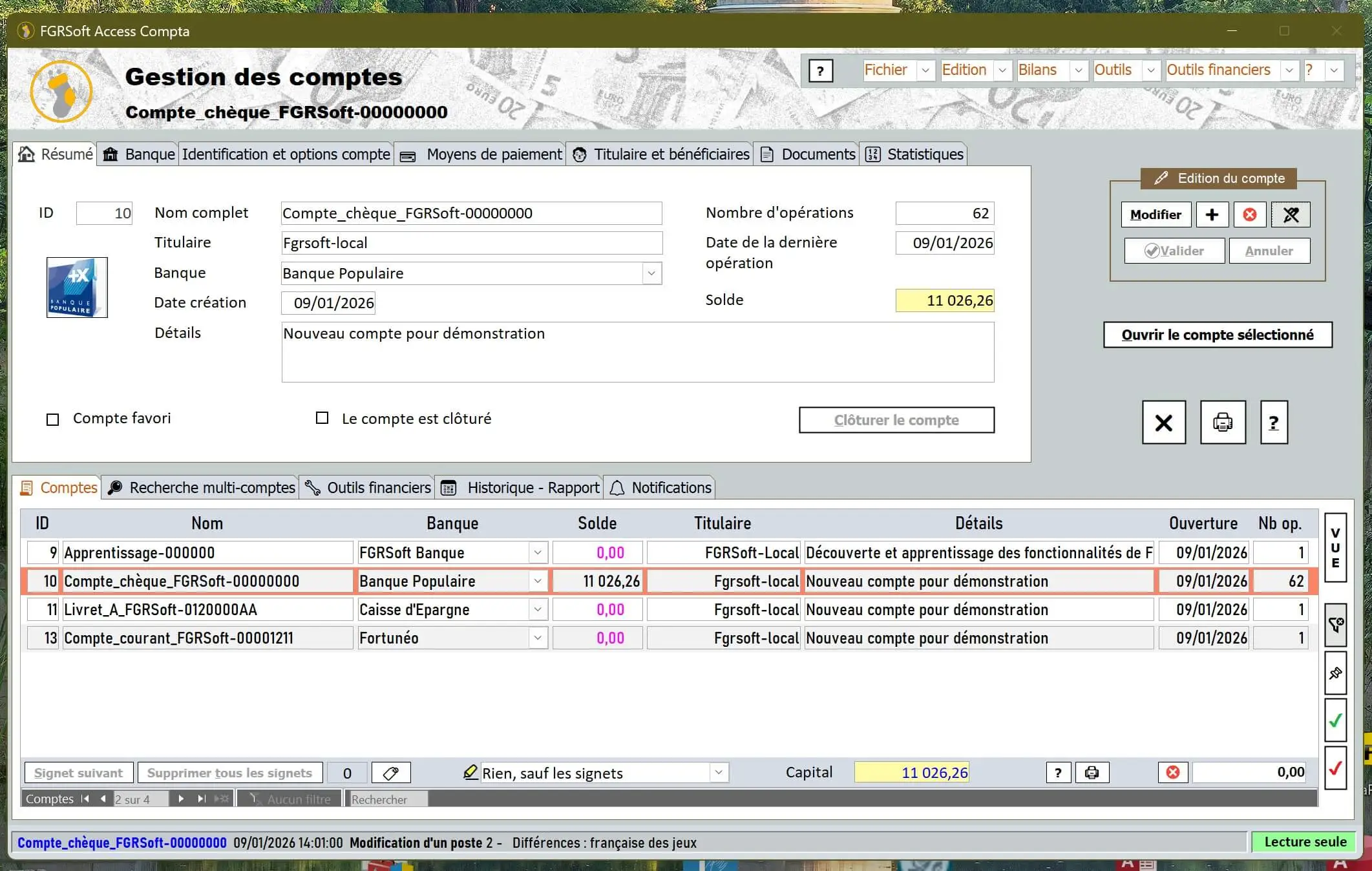
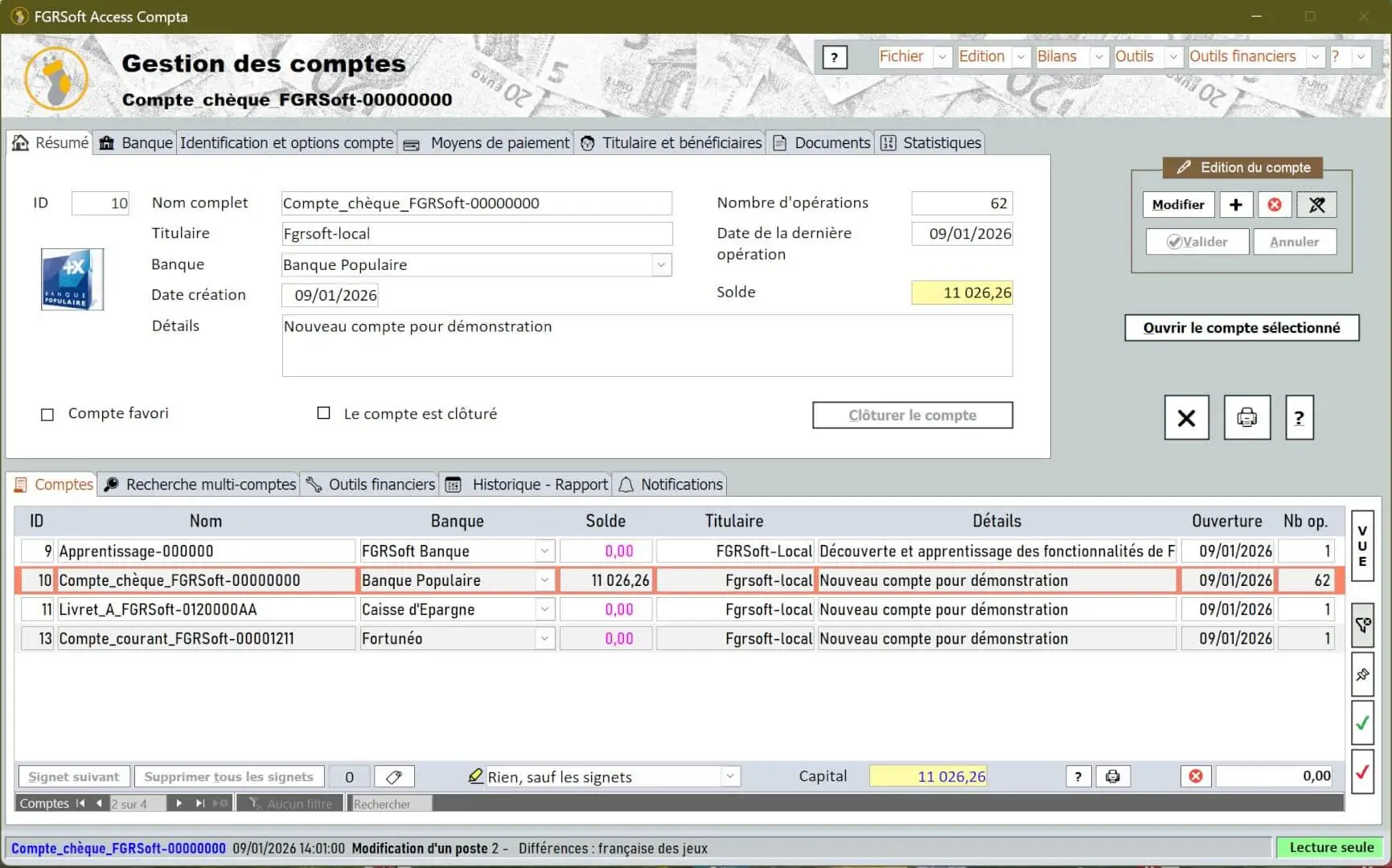
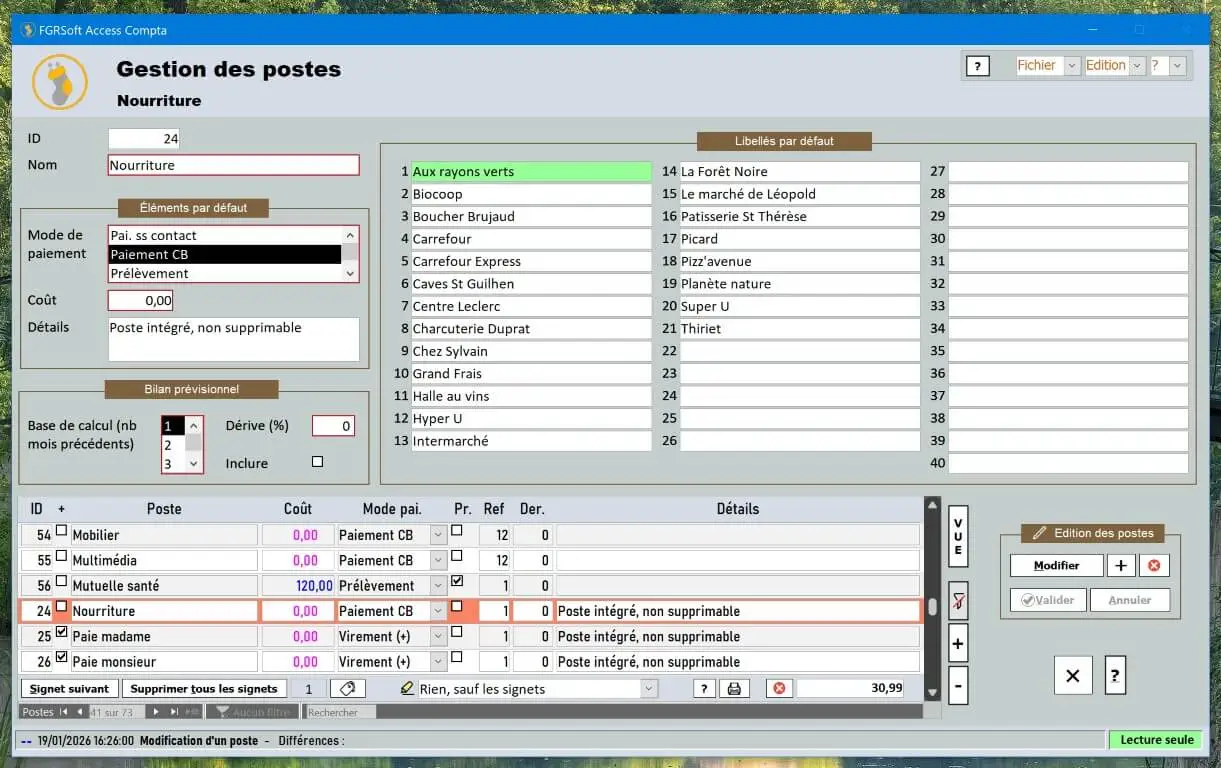
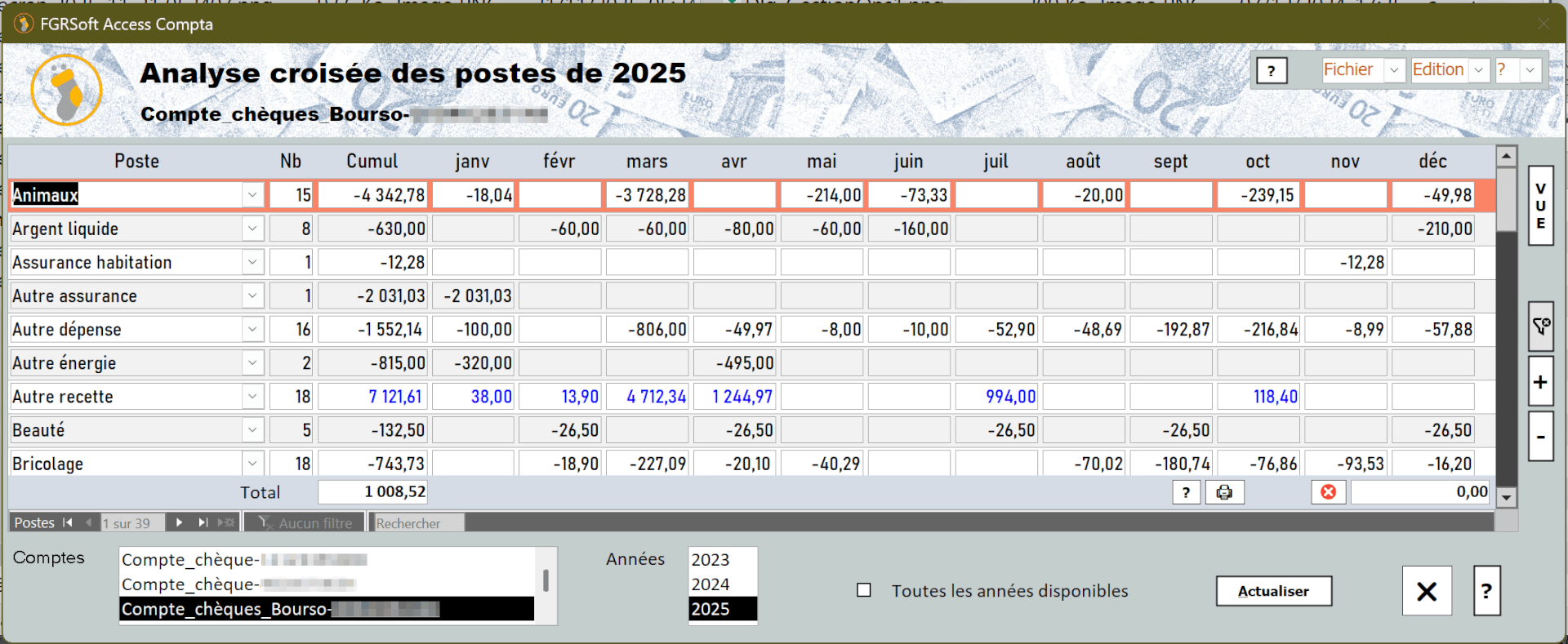
Take a look at FGRSoft Access Compta through these screenshots.
As the software is continuously improved, screenshots may differ slightly from the current version.
Frequently Asked Questions
Is FGRSoft Access Compta safe to install and use?
FGRSoft Access Compta is free of viruses, spyware and other malware. See the Virus Total scan results:
Account and document backups can be encrypted. The program's code is compiled and protected by a strong password, and starting the software is locked behind a password. All important actions and changes are also password-protected.Is the software free?
FGRSoft Access Compta: free, with no limits
- Completely free: no cost to download or use.
- No restrictions: neither in time nor in features.
- Optional registration: a reminder appears every 5 uses, and stops for good once you register (or you can simply keep postponing it).
Do I need Microsoft Access to use it?
If you don't have Microsoft Access, you just need the Access Runtime, which is free and has no time limitation, unlike the full version of Access. You can get it in the downloads section below.
Does my data stay on my computer?
Yes, your data stays on your PC — you'll still be able to access it in 10 or 20 years.
What software configuration is required?
- FGRSoft Access Compta is a database running under Microsoft Access 2019 (or newer).
- Windows 10 or Windows 11 must be installed on your PC.
- Installing NAPS2 Scanner is strongly recommended to scan documents directly from FGRSoft Access Compta.
The story of FGRSoft Access Compta
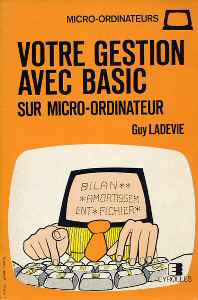
It all started in the mid-1980s with a Sinclair ZX81, followed in 1987 by a Thomson MO5. With no internet at the time, a book about managing a bank account inspired a first, very simple program of about fifty lines of Basic — the seed of what would become FGRSoft Access Compta.
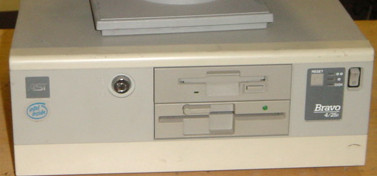
The project moved to an AST Bravo 286sx PC under Windows 3.1, then to Microsoft Access 2.0 and its built-in Basic — the point where a genuinely usable piece of software became possible. From 1999 onwards, more time could be devoted to development, and the software grew alongside new operating systems, new versions of Access and the rise of the internet.
Today it totals more than 12,000 lines of code in the distributed version (26,000 in the development version). In 2020 the software was renamed from "FGRSoft G€stion Privée" to "FGRSoft Access Compta", with the code fully reworked and made compatible with 64-bit versions of Access.
Disclaimer & Privacy
Purpose of the software
FGRSoft Access Compta is designed to manage the bank accounts of a family or an association. It also includes many tools to make everyday life easier.
Warranty and liability
The software is provided free of charge "as is", with no warranty. FGRSoft cannot be held responsible for any damage or data loss resulting from incorrect use of the software or from program bugs. FGRSoft Access Compta may be copied and shared as many times as needed, but it must not be rented or sold, and the holder may not derive any profit from it.
Security
The source code, password-protected, must not be edited, modified, decompiled or disassembled. FGRSoft Access Compta is free of any spyware, tracker, virus or other malware. Nothing is installed, modified or deleted without your knowledge, and no personal information is sent.
Third-party software
FGRSoft Access Compta is a database running under Microsoft Access. You therefore need a Microsoft Access licence, or the Access Runtime engine. FGRSoft Access Compta recommends the NAPS2 scanning software; FGRSoft is not affiliated with its publisher.